NZ & AU passport photo tool
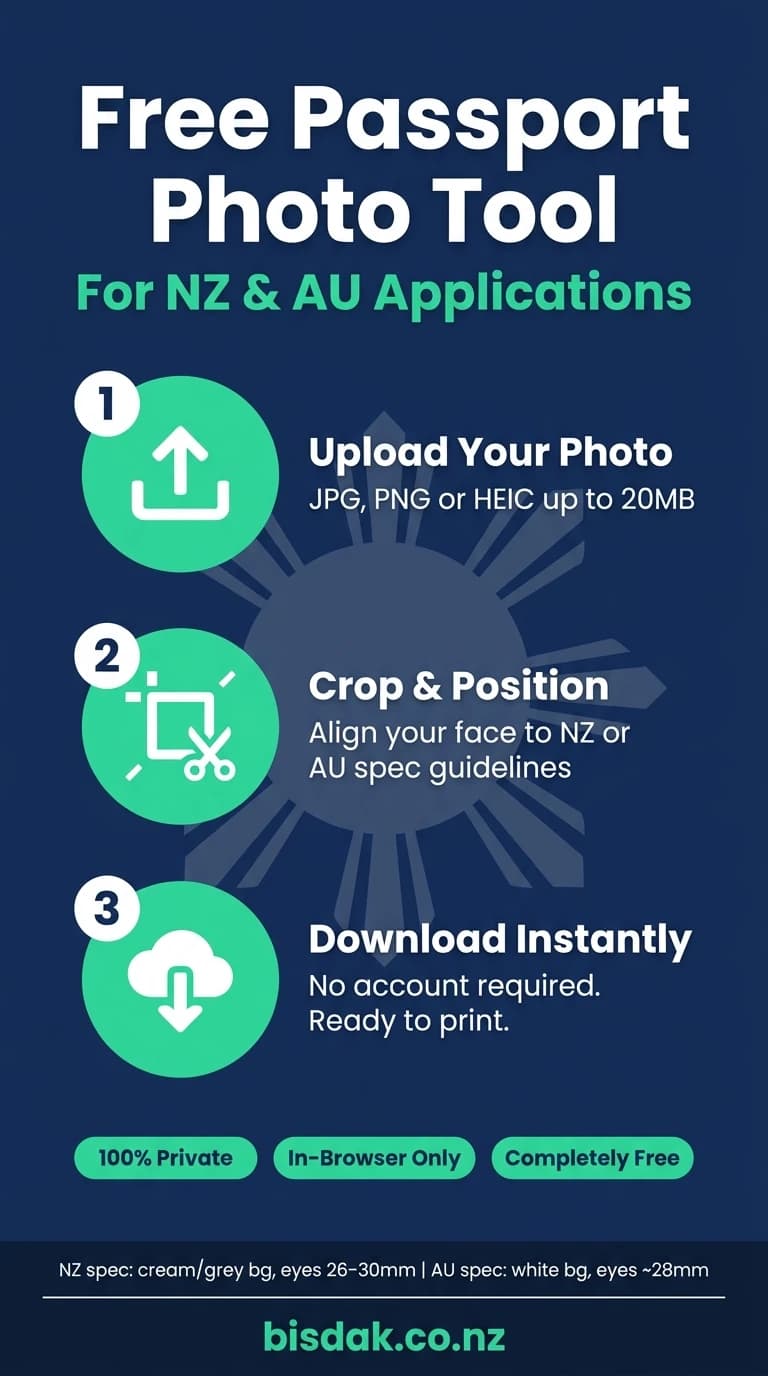
Upload a photo, position your face in the frame, and download a correctly cropped passport photo. Free · Instant · Private.
1
Upload2
Crop3
Download📷
Drag photo here, or tap to upload
JPG, PNG, or HEIC · max 20MB · stays on your device
Position reference
New Zealand
Cream/grey background
Eyes 26–30mm from base
Eyes 26–30mm from base
Australia
White background
No glasses · Eyes ~28mm
No glasses · Eyes ~28mm
All processing happens in your browser — we never see your photo. This tool helps you crop to the correct size. Always check your country's official requirements before applying.